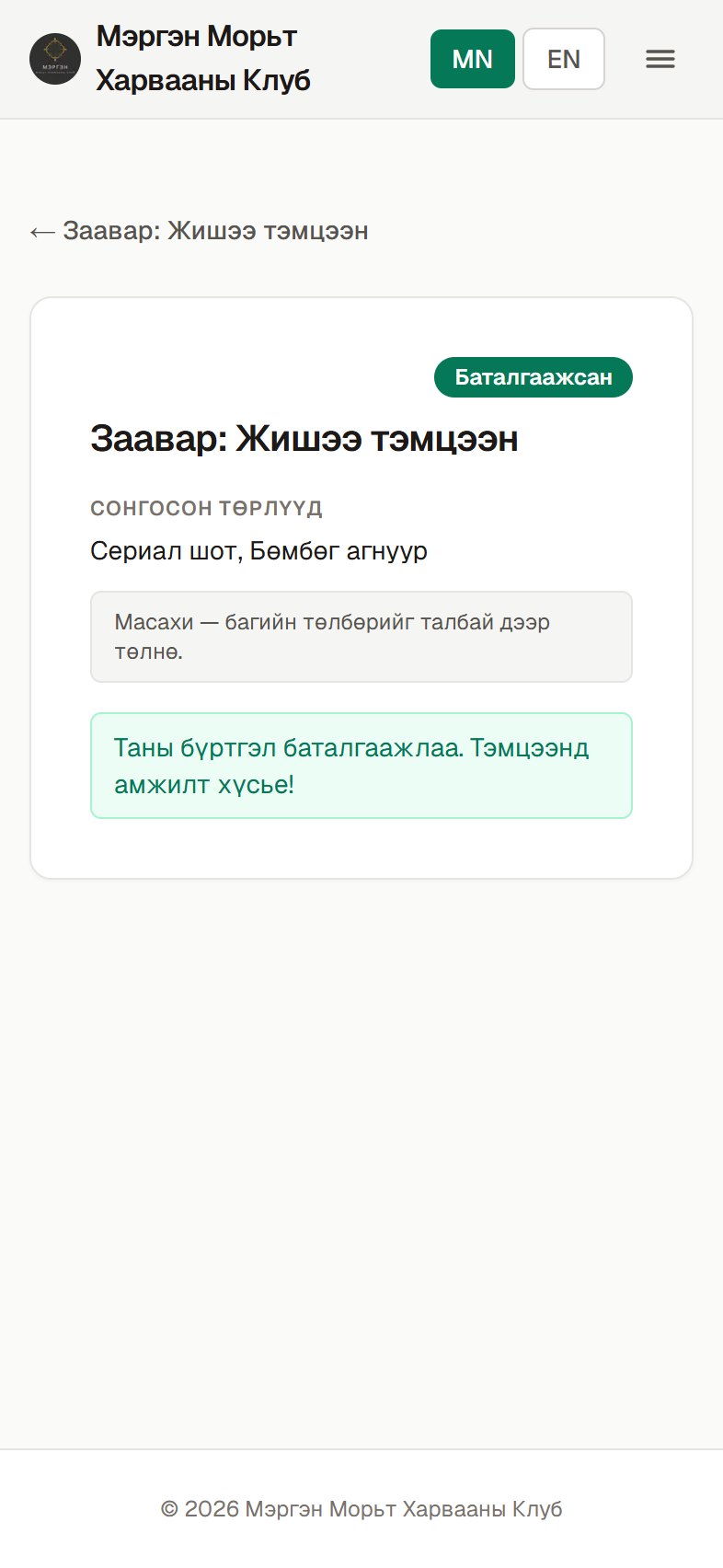
Help
A step-by-step guide to registering as a member and linking your past tournament results to your account, or registering for an upcoming tournament.
Register & link yourself
How to create a new member account and, if you have competed before, find yourself and link your past results.
- 1Step 1
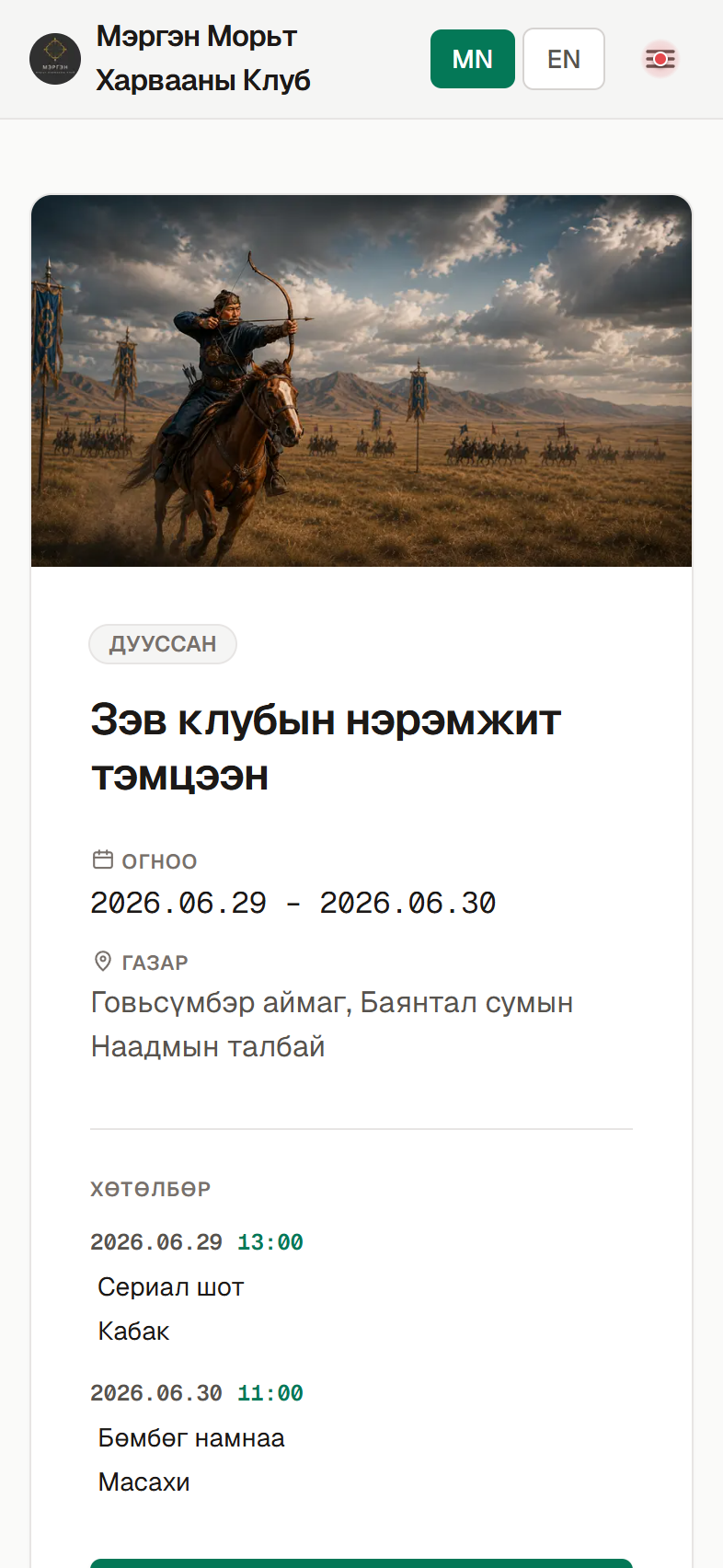
Open the menu
On your phone, go to mnhaf.org. Tap the ☰ menu button in the top-right corner.
- 2Step 2
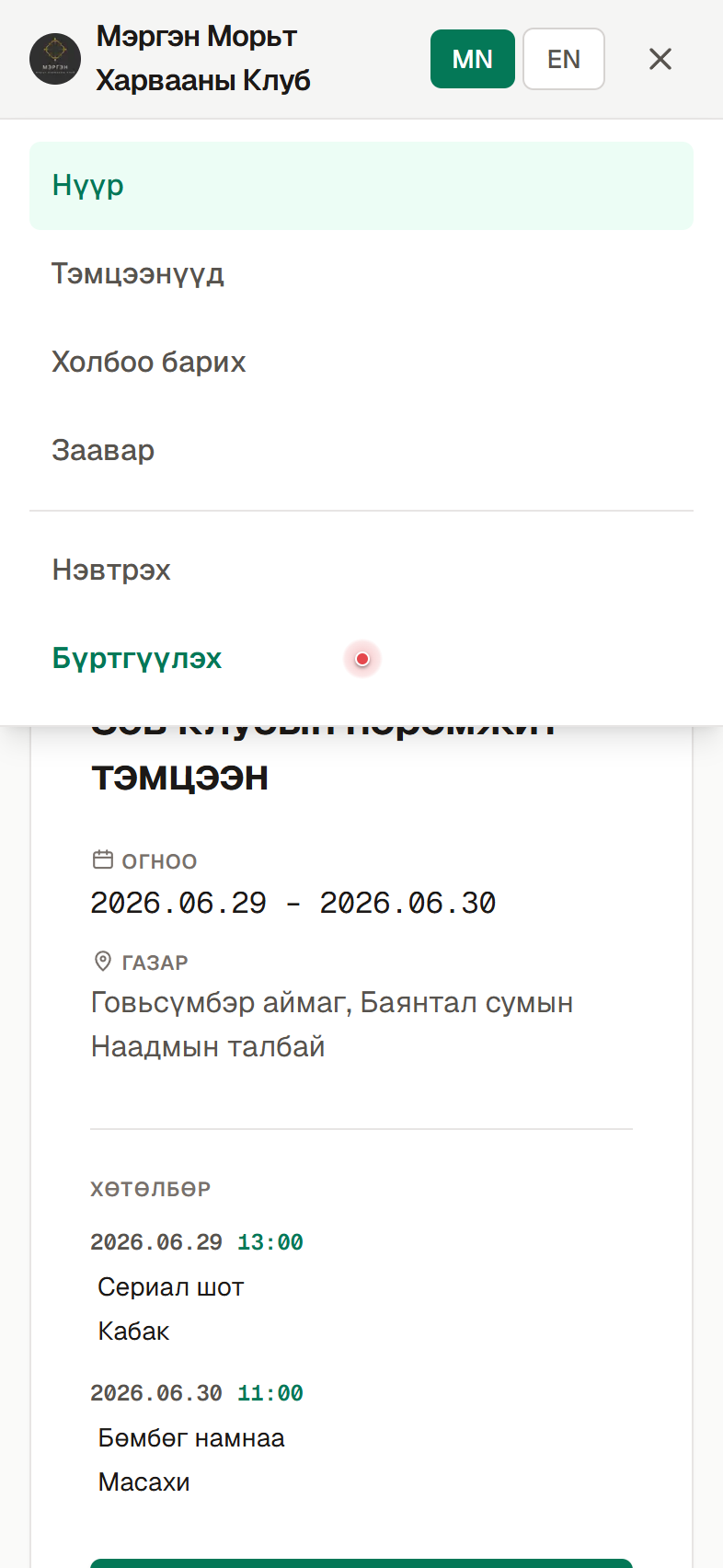
Choose “Register”
From the menu that opens, tap “Register”.
- 3Step 3
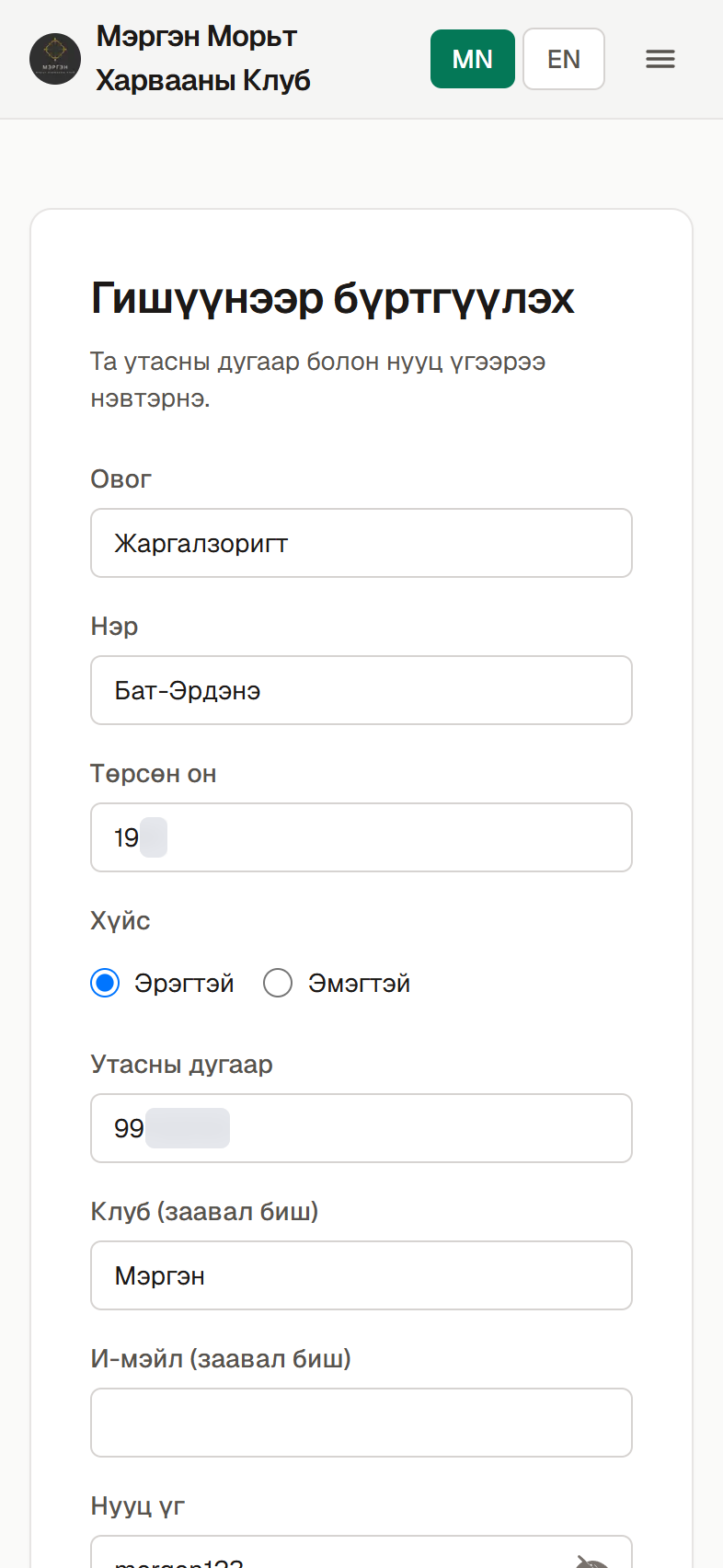
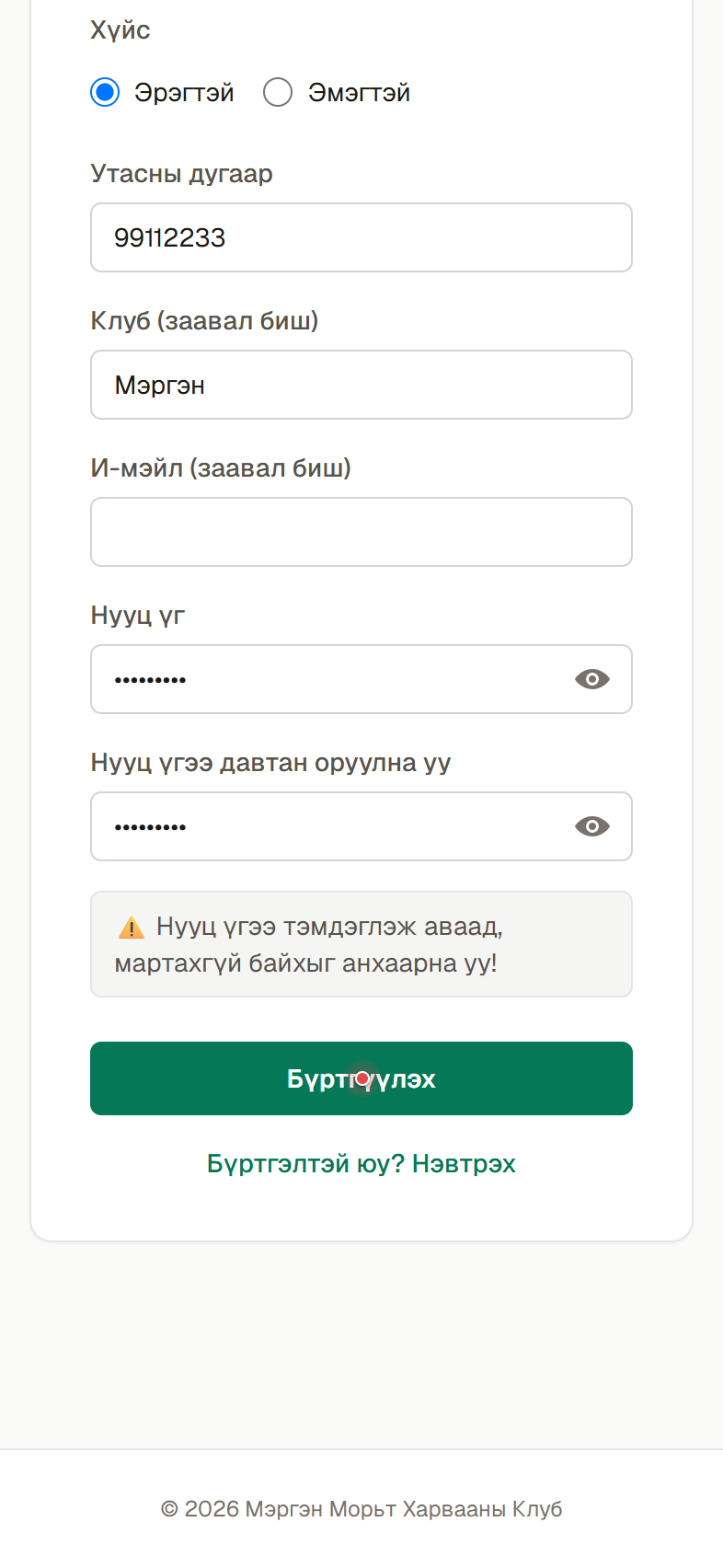
Fill in your details and register
Enter your last name, first name, birth year, gender, phone number and club. Scroll down, enter the same password twice, and tap “Register”. Be sure to write down your password so you don’t forget it. (The phone and birth year are blurred here as an example.)
- 4Step 4
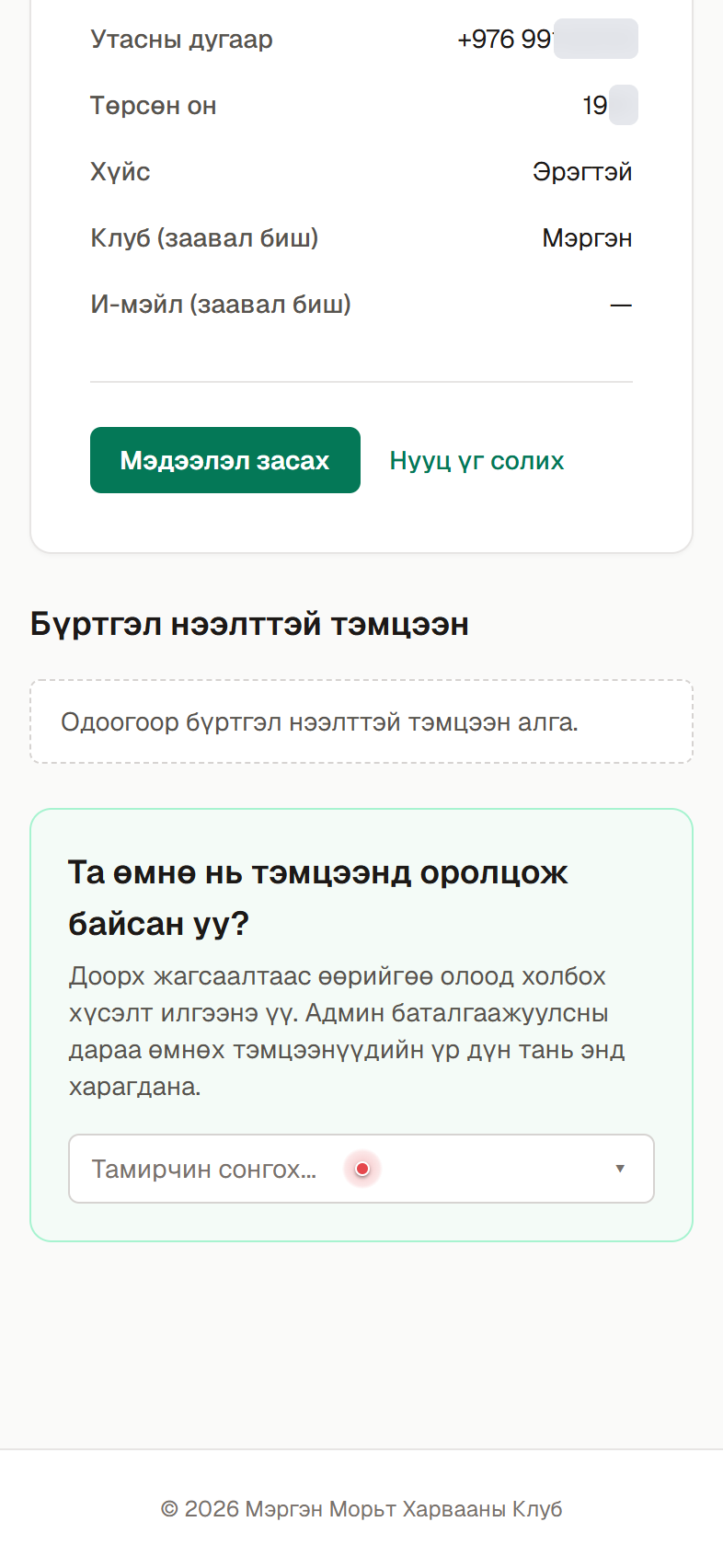
Open “Have you competed before?”
Once registration succeeds, your account page opens automatically. • Yes — I’ve competed before: tap the picker below and continue with the next steps. • No — this is my first time: you can skip this step. Your registration is already complete.
- 5Step 5
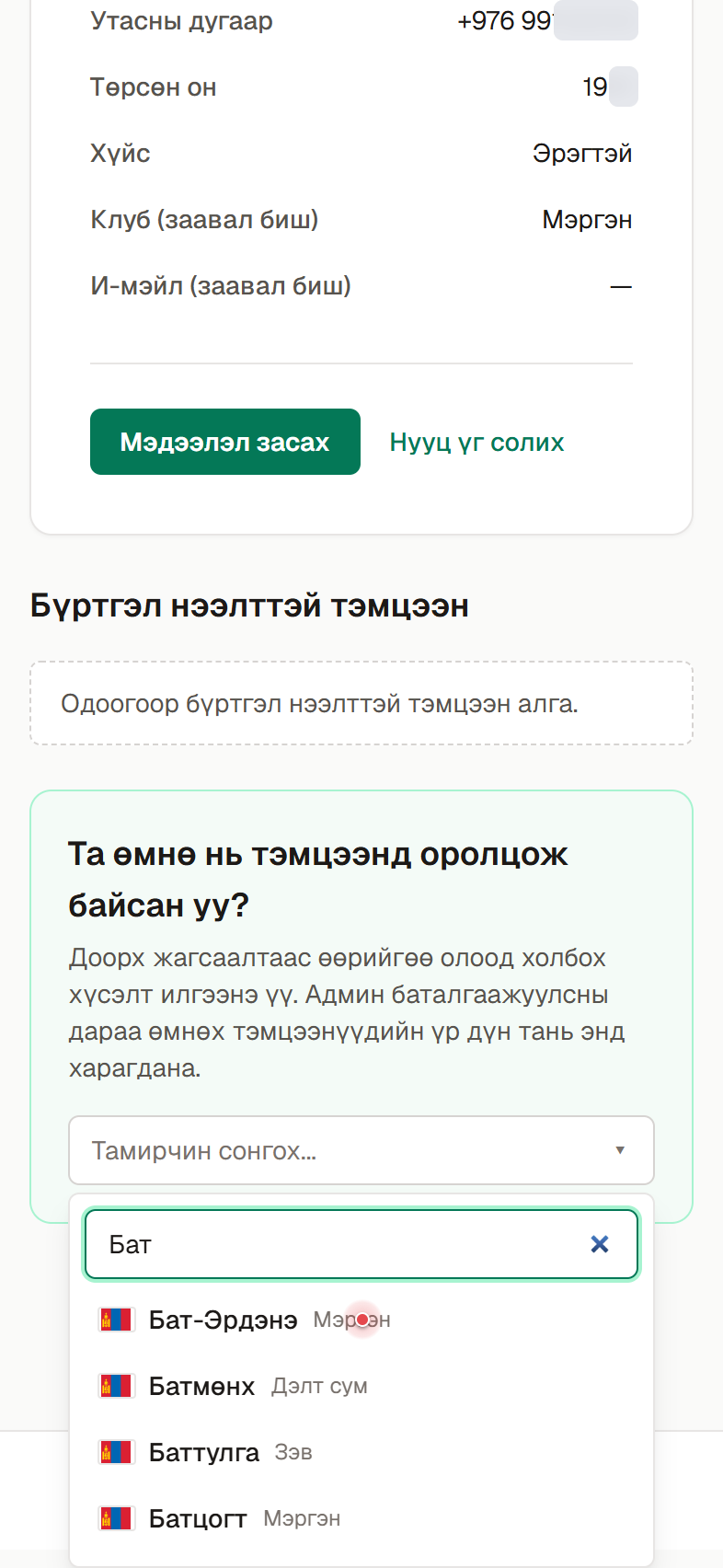
Find yourself
Type your name to search, then tap your archer name in the list.
- 6Step 6
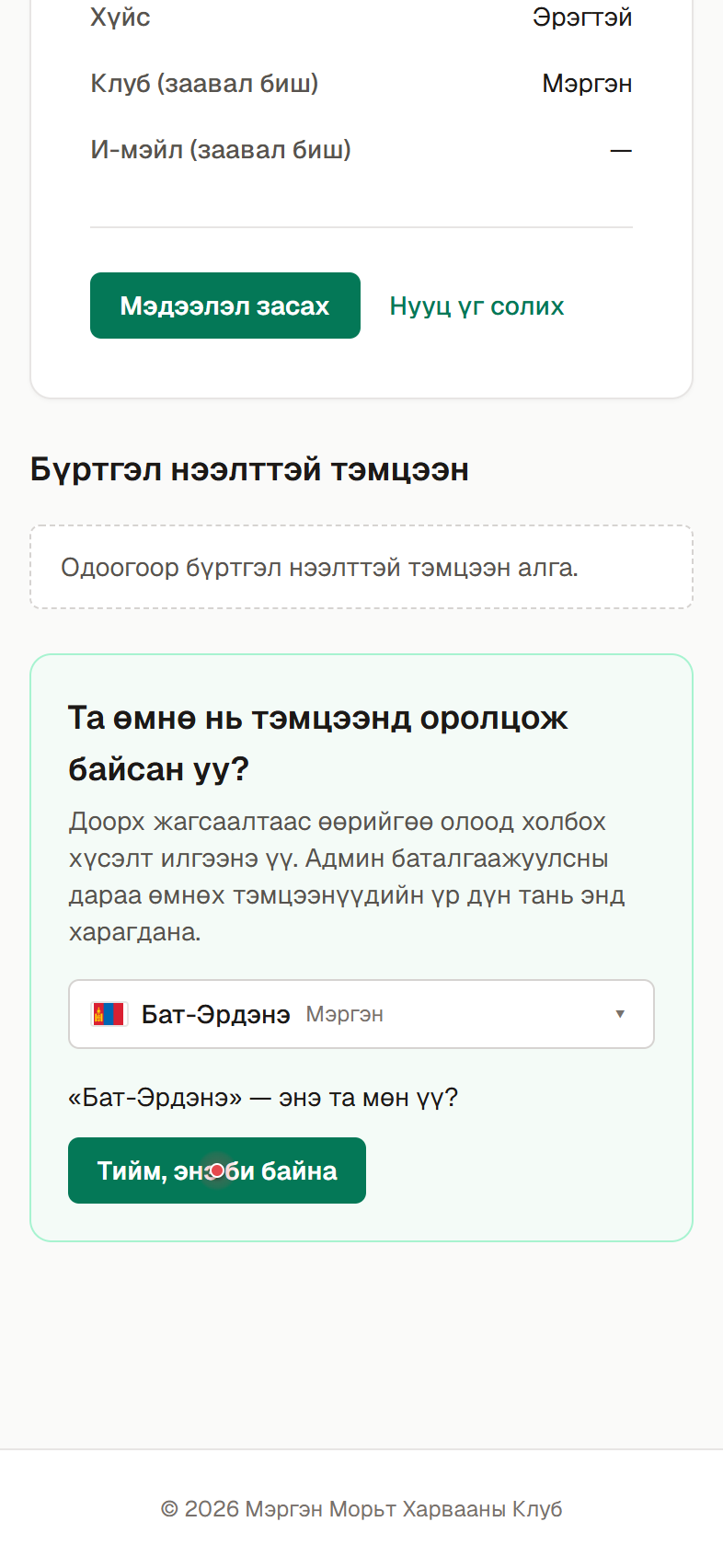
Confirm
When asked “…is this you?”, tap “Yes, this is me”.
- 7Step 7
Wait for admin approval
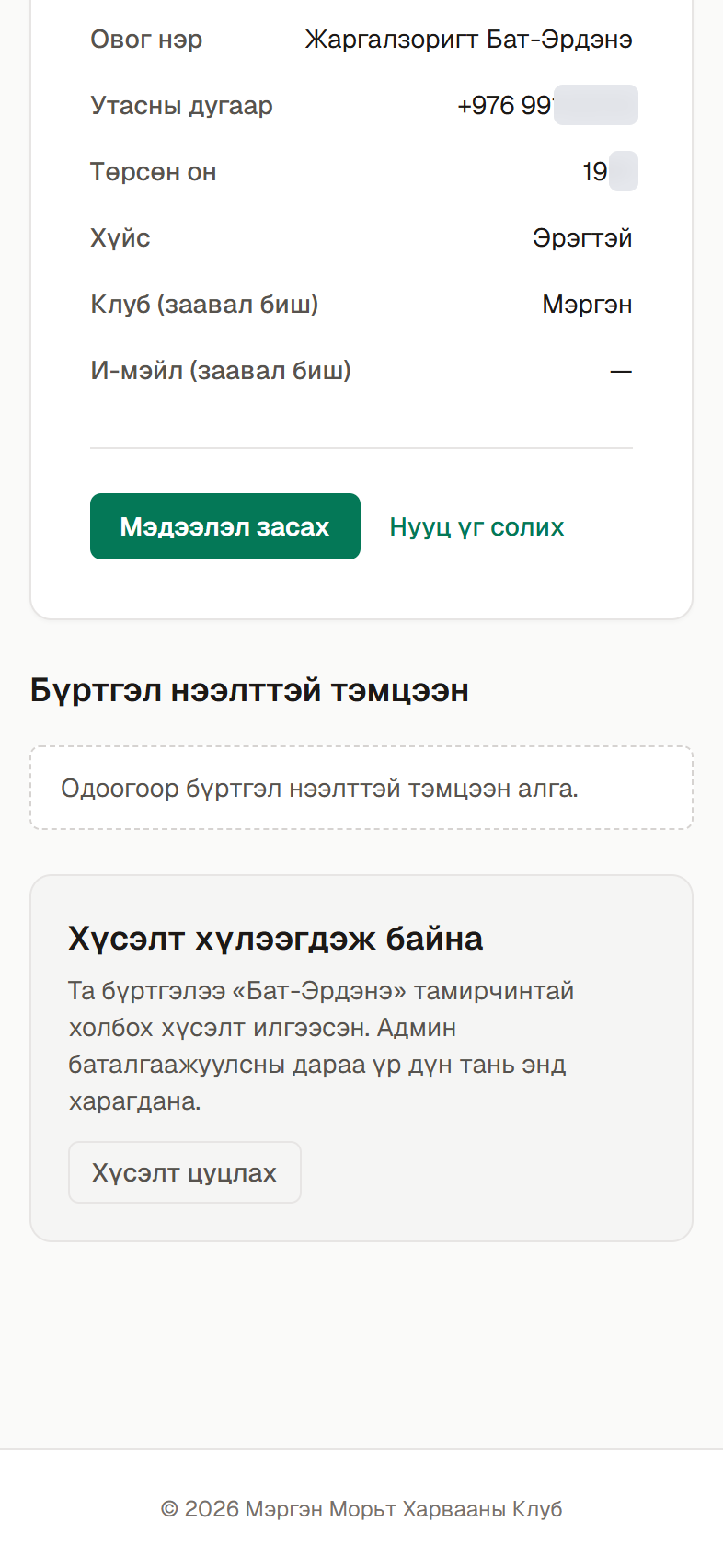
Your request is sent to the admin. It shows as “Pending” until the admin approves it — usually resolved shortly.
- 8Step 8
Your results appear
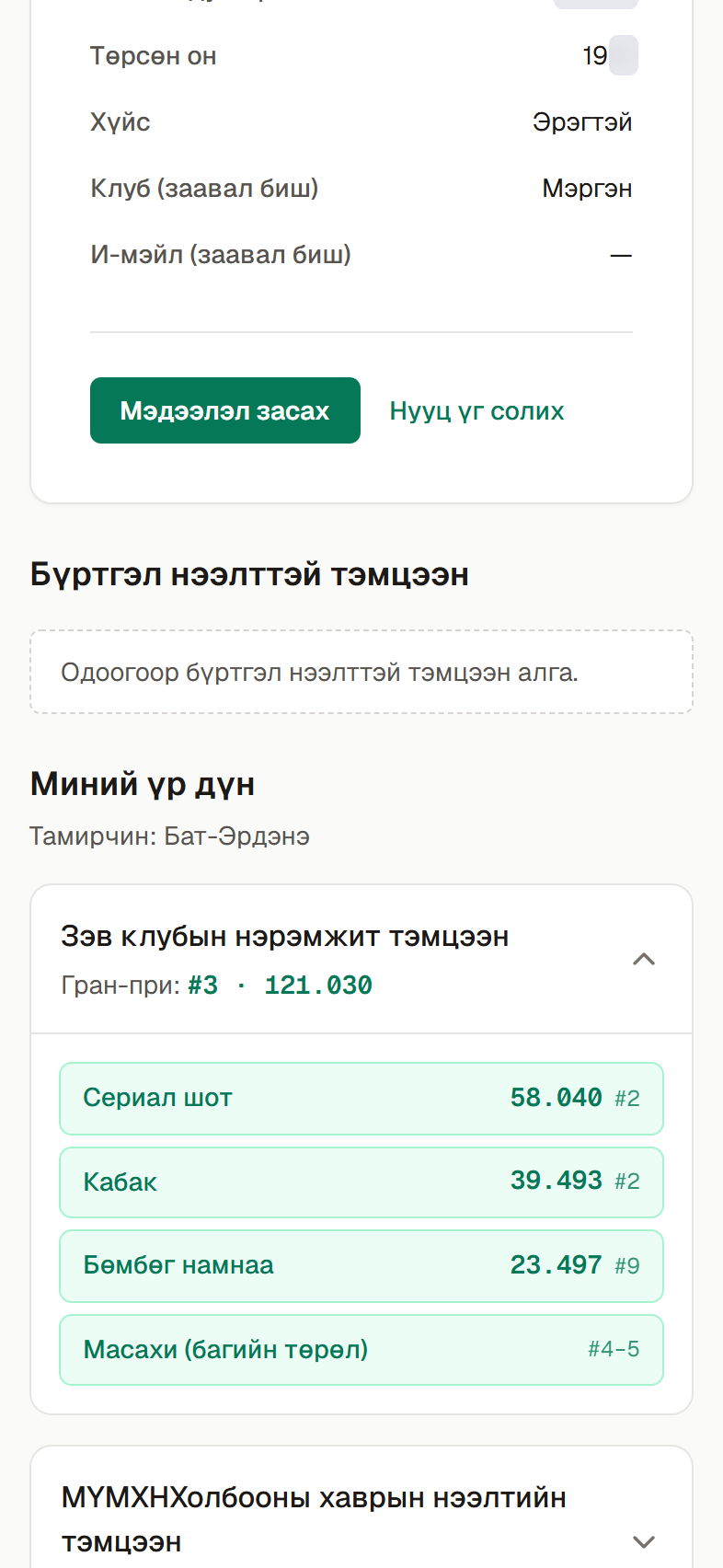
After the admin approves, your past tournament results appear on your account page.
Register for an upcoming tournament
A step-by-step guide to registering for a tournament online and paying the entry fee by bank transfer.
- 1Step 1
Where to register
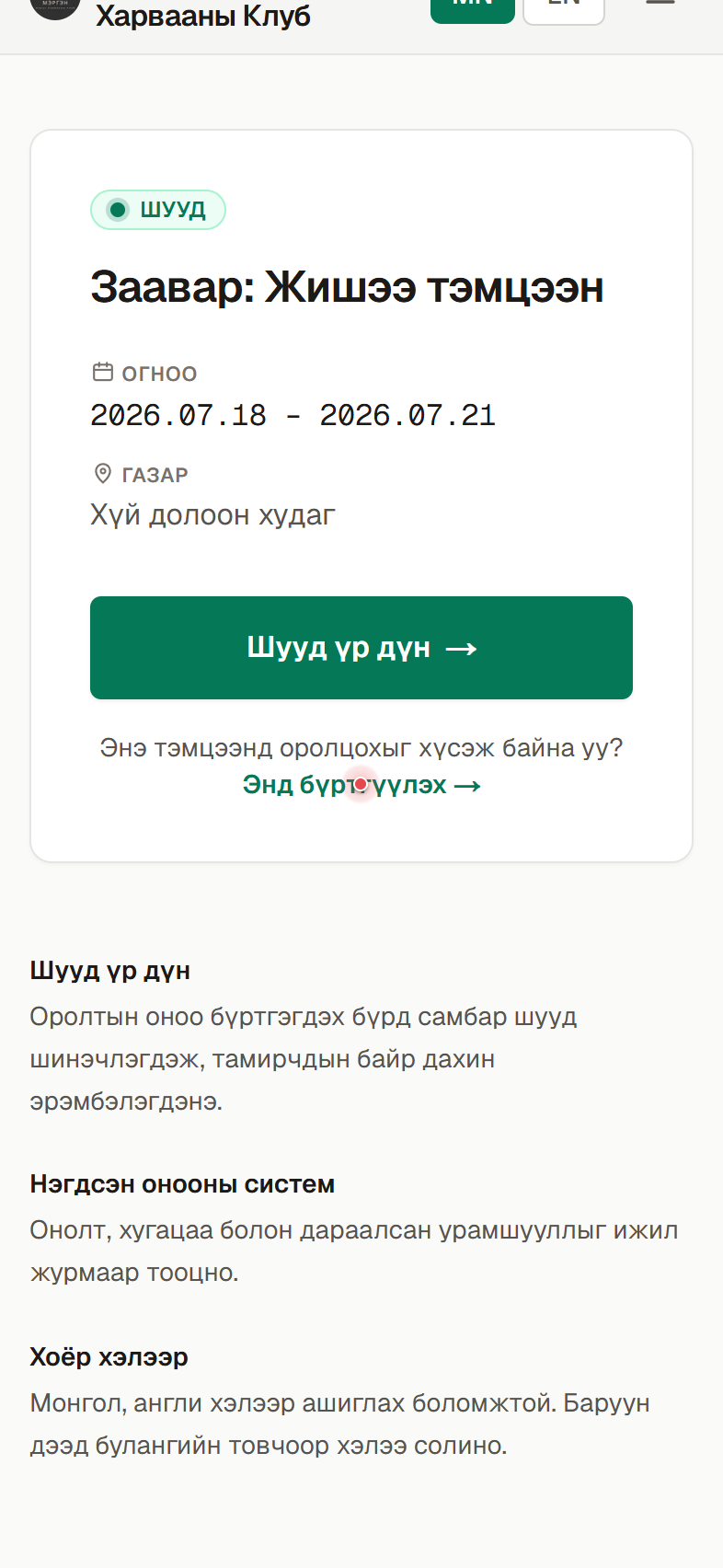
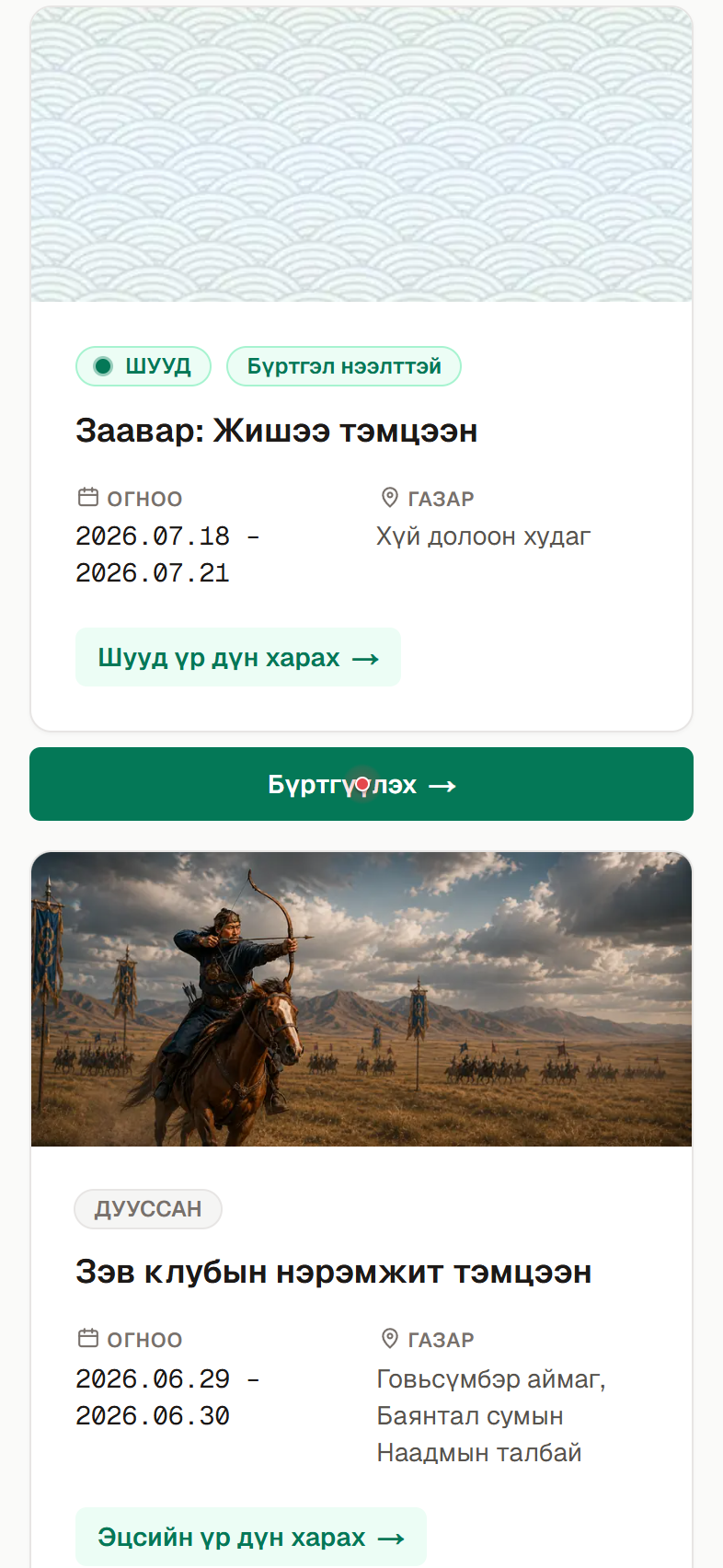
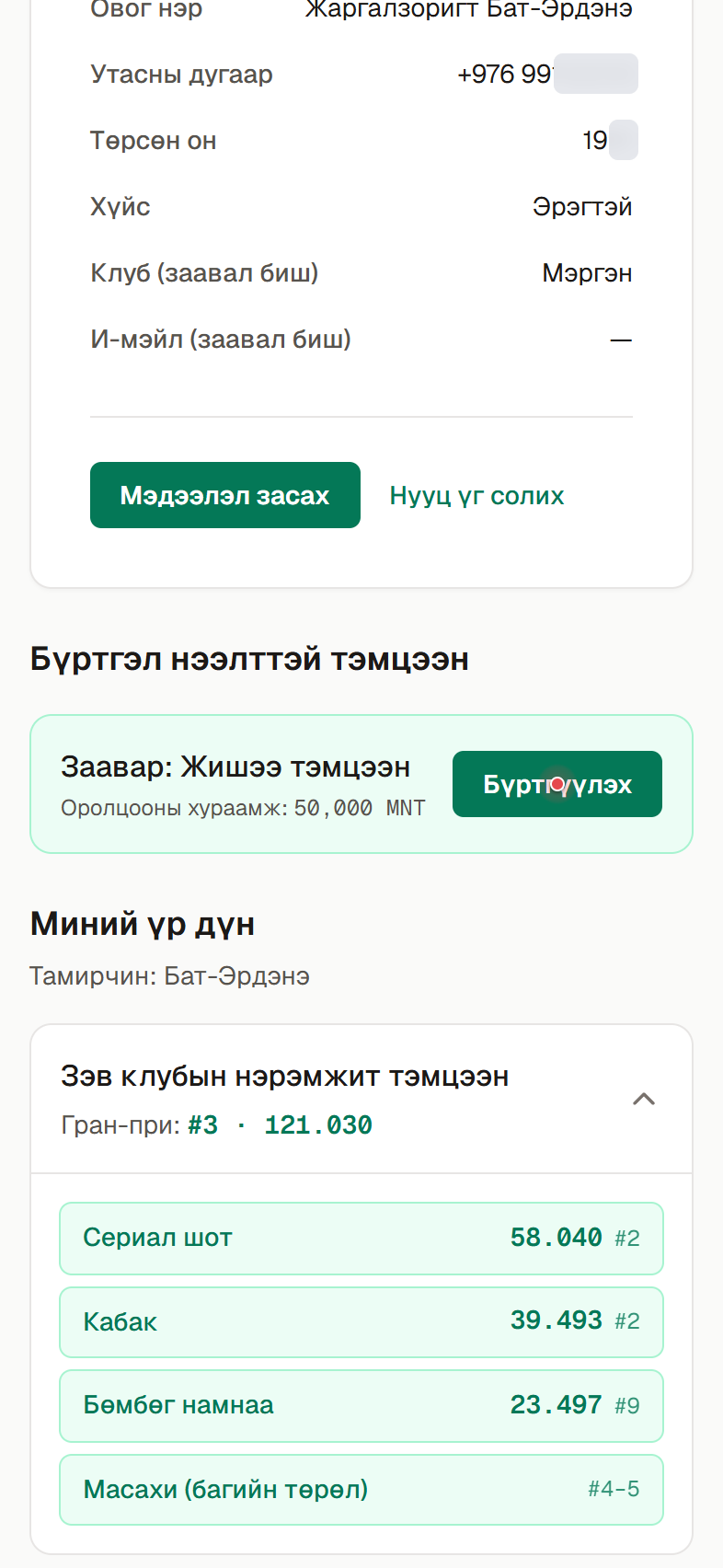
You can register from three places: the home page, the Tournaments page, or your own account page. On a tournament marked “Registration open”, tap “Register”. On the home page this button reads “Register here”.
- 1.1
Home page: tap the “Register here” link under the featured tournament.
- 1.2
Tournaments page: tap the “Register” button under a tournament.
- 1.3
Account page: tap “Register” in the “Open for registration” section.
- 2Step 2
Log in if needed
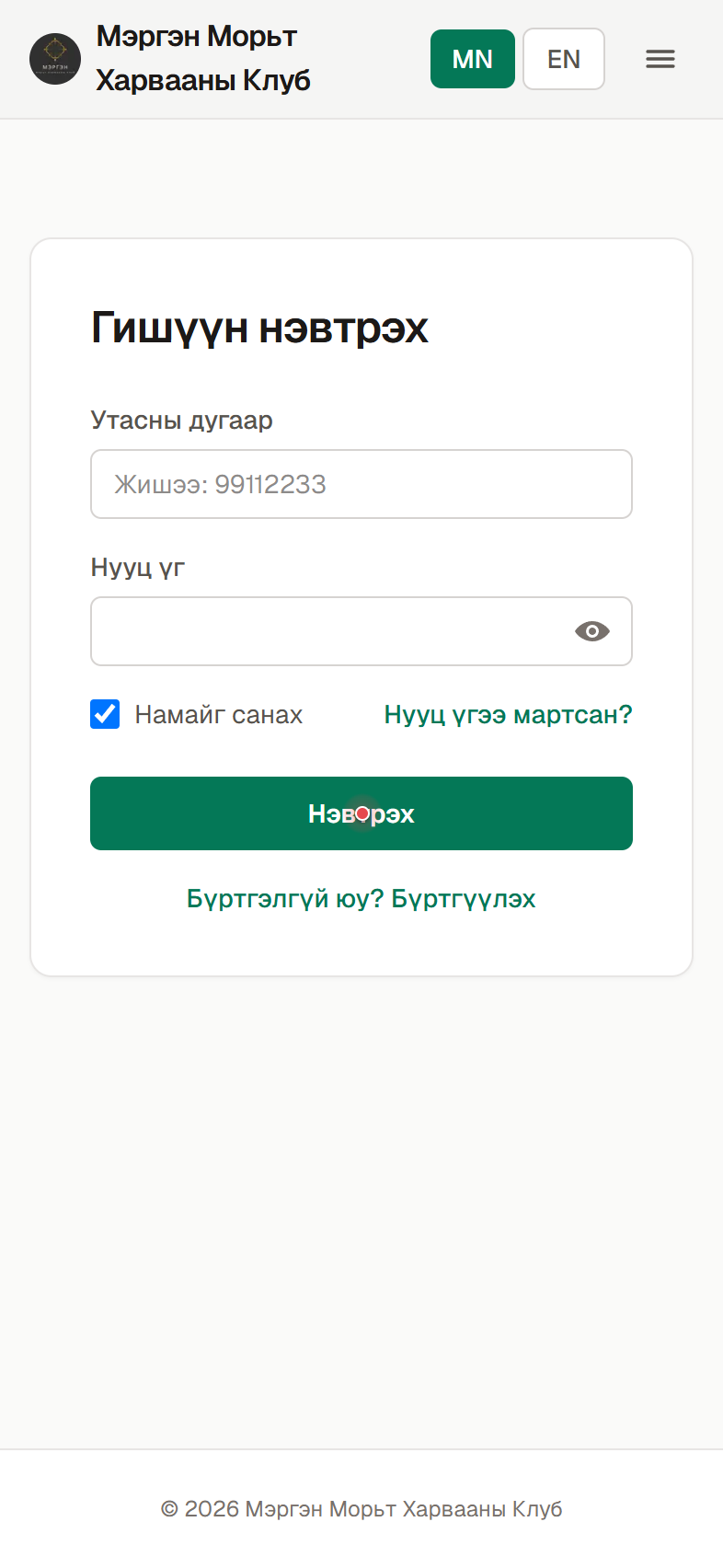
If you’re not logged in yet, the login page appears first — log in. Don’t have an account yet? Register as a member using the first guide above, then come back.
- 3Step 3
Choose your events
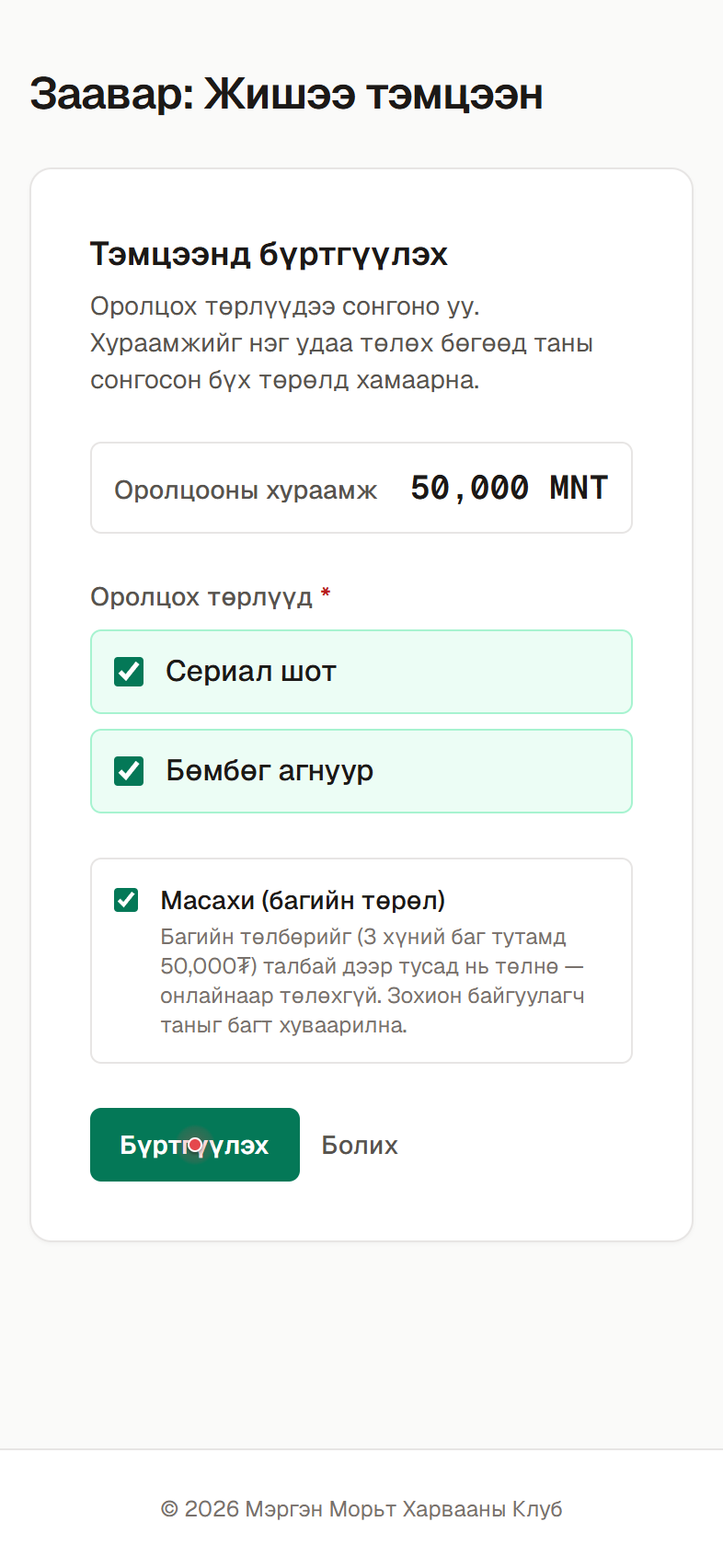
Select the events you want to enter — one or several. The entry fee is paid once and covers all the events you pick. To enter the team event (Masahee), tick the extra box below; the team fee is paid separately on-site. Then tap “Register”.
- 4Step 4
Transfer the fee
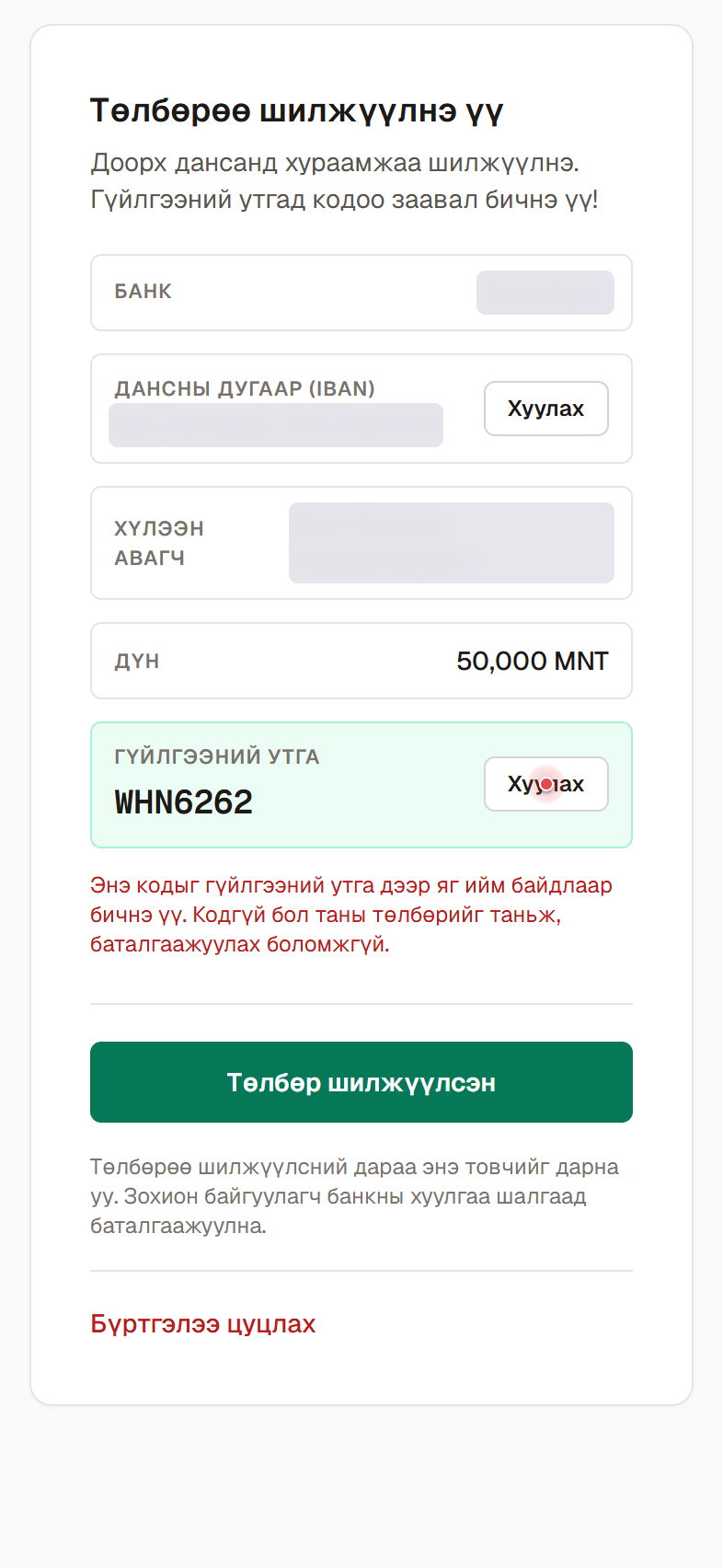
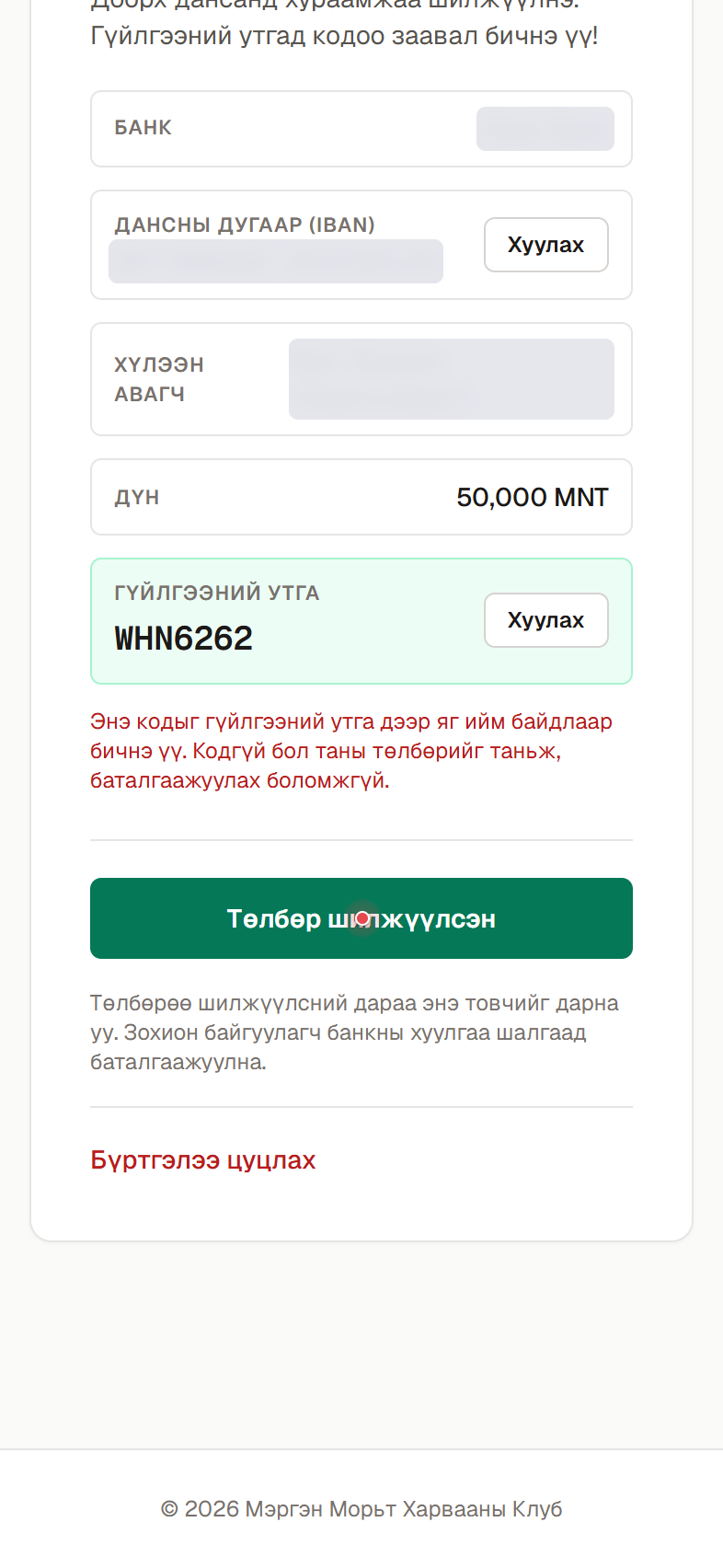
After you register, the payment instructions appear. Transfer the stated amount to the account shown. Be sure to write your own code (e.g. XKC9877) in the transfer description — without it your payment can’t be identified and confirmed. You can copy the account number and the code with the “Copy” button.
- 5Step 5
Mark it as transferred
Once you’ve made the transfer, tap “I’ve transferred”. This adds your registration to the organizer’s confirmation list.
- 6Step 6
Wait for confirmation
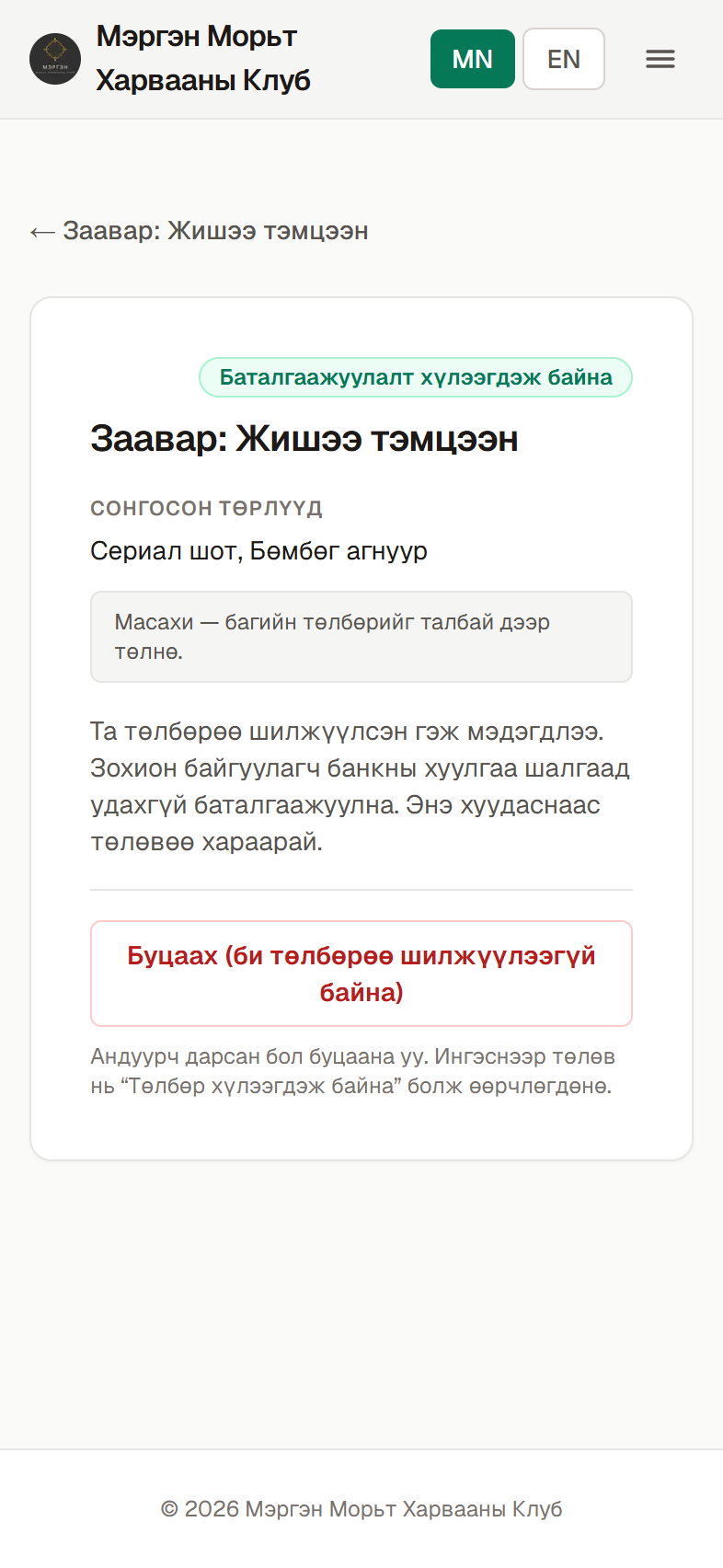
The organizer checks the bank statement and matches it against your code to confirm your registration. Until then the status shows “Awaiting confirmation”.
- 7Step 7
You’re registered
Once confirmed, the status changes to “Confirmed” and you are officially entered in the tournament. Good luck!